
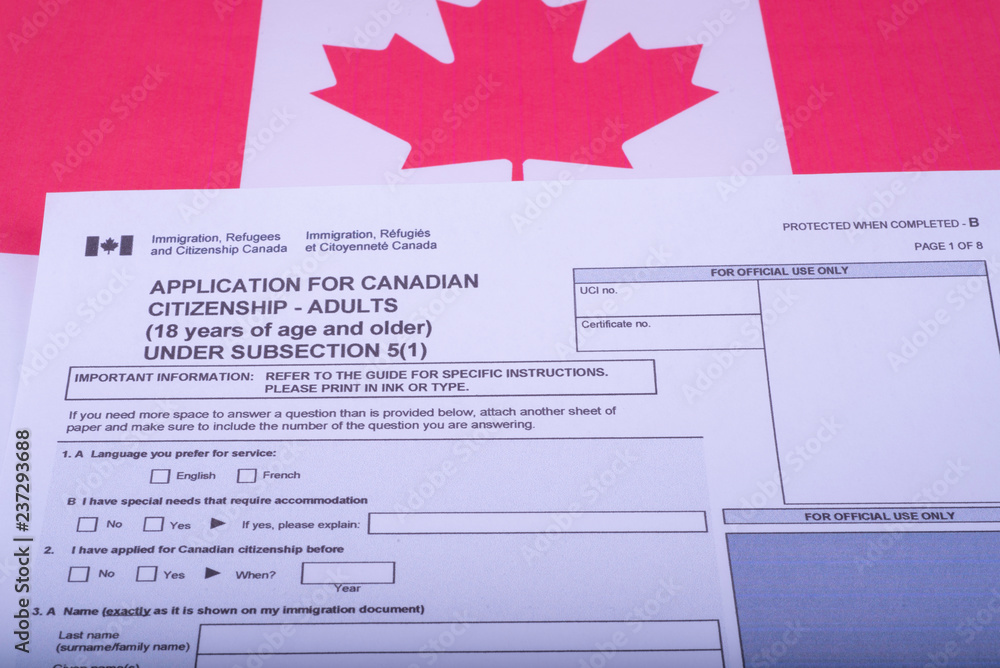
For certain applications submitted to Immigration, Refugees and Citizenship Canada (IRCC), it’s essential to establish a connection between your paper application and your online account. This linkage provides you with timely updates on your application’s status and streamlines the communication process.
Steps to Link Your Application:
- Access Your Account: Log in to your existing online IRCC account or create a new one using a GC Key or secure banking partner credentials.
- Locate the “View Applications” Section: Navigate to the “View the applications you submitted” section, typically located towards the bottom of the webpage.
- Select the “Link Application” Option: Click on “Add (link) your application to your account to check your status.”
- Enter Application Details: Carefully input the information from your original paper application, ensuring accuracy and consistency. If you’ve updated any details since submission, use the most recent information. You may also select the combination of personal information you wish to use for linking (passport number, Unique Client Identifier (UCI), Social Insurance Number (SIN), etc.).
- Attempt Linking: You have five attempts to successfully link your application. If unsuccessful after five tries, your account will be temporarily locked for 24 hours.
Benefits of Linking Your Application
- Real-time Updates: Receive timely notifications and updates on your application’s progress directly in your online account.
- Paperless Communication: Eliminate the need for paper-based correspondence, streamlining the communication process.
- Centralized Access: View the status of your application and any related messages in a single location on your main account page.
Addressing “No Matches” Messages
If IRCC’s system doesn’t recognize an active application with the provided credentials, you may encounter a “no matches” message. This could be due to several reasons:
- Processing Time: Your paper application may still be in the system’s processing queue. Allow sufficient time for IRCC to input your information.
- Incorrect Application Category: Verify that you’ve selected the correct application category. Ensure it aligns with the category under which you were invited to apply.
- Inaccurate Information: Double-check the accuracy of the information you’ve entered, ensuring it matches the details on your paper application. Common issues include name discrepancies, incorrect family member counts, or inconsistent place of birth information.
Additional Considerations
- Representative Access: Linking your application to your account may revoke access for representatives (immigration lawyers, consultants, or trusted individuals).
- Application Visibility: Once linked, your application will be visible in the “View my submitted applications or profiles” section of your account.
By following these steps and addressing potential issues, you can successfully link your paper application to your online IRCC account, gaining access to valuable updates and streamlining the immigration process.



0 Comments